
Manage multiple agents away from your desk
Your agents keep working after you walk away. View progress, get notified, and give feedback from any device with Subshell.
Subshell in your mobile browser
Install
The control plane for your agents.
Subshell Server desktop app
Download for Apple silicon (.dmg)Subshell-Server-Desktop-1.4.0-darwin-arm64.dmg
or Linux (.deb)
or the CLI
curl -fsSL https://subshell.sh/install-server.sh | bashmacOS 13+ · Linux x86_64 (Ubuntu 24.04+ / Debian 13+)
Already have a server? Add another machine.
At the desk
The Subshell dashboard on desktop and tablet
Workspaces
Give every agent a seat at the desk.
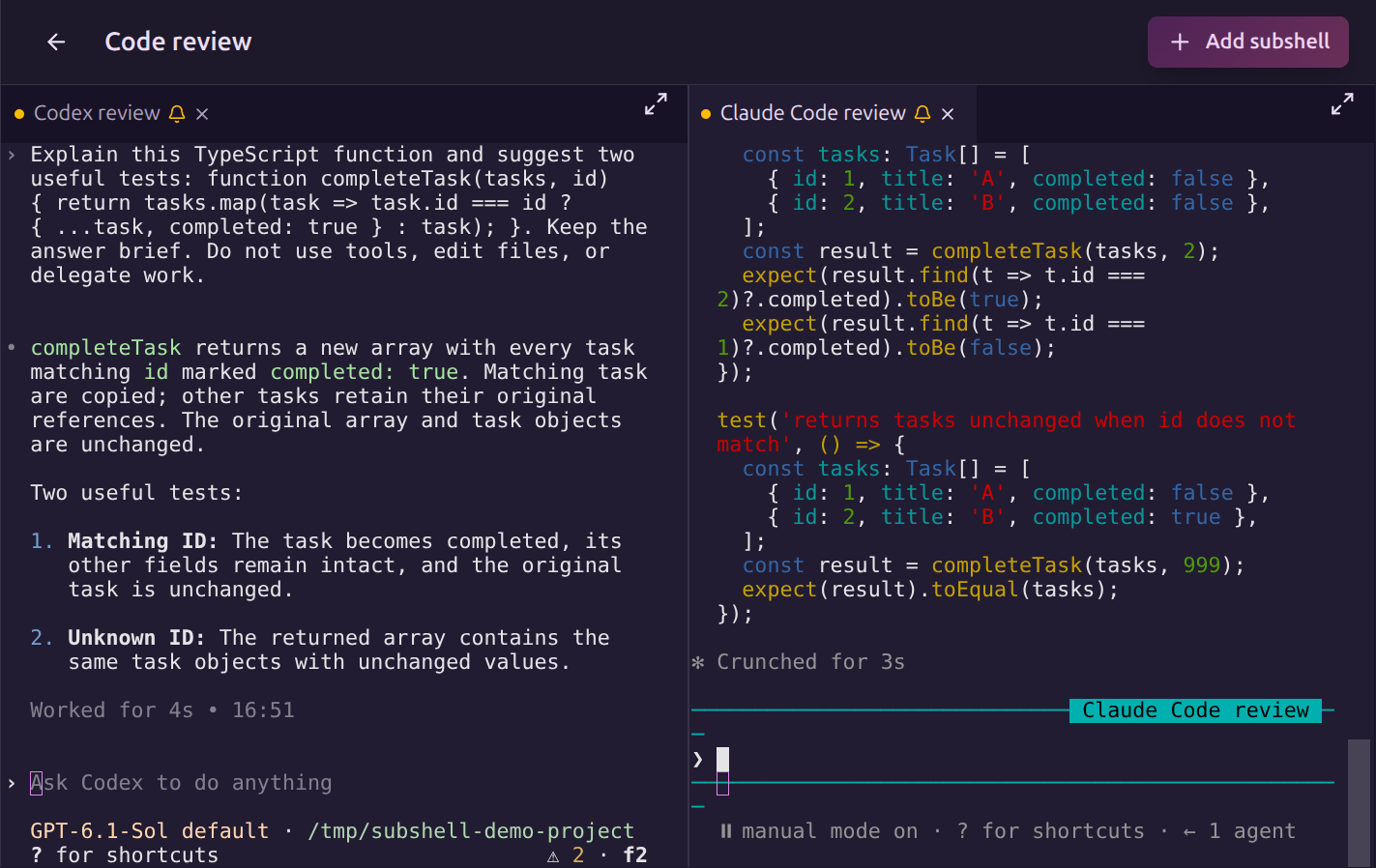
Keep Codex, Claude Code, and a terminal together in one workspace. Split panes to follow several sessions at once, compare their output, and move between tasks without losing your place.
Prompts & presets
Set up once. Start faster next time.
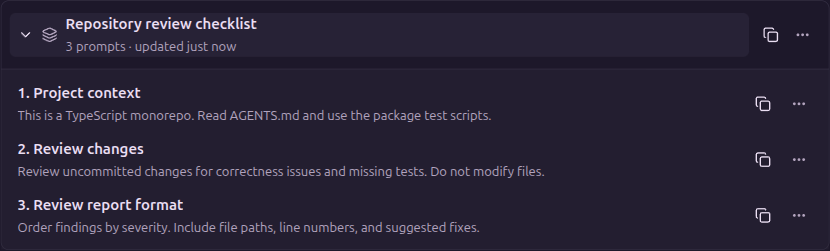
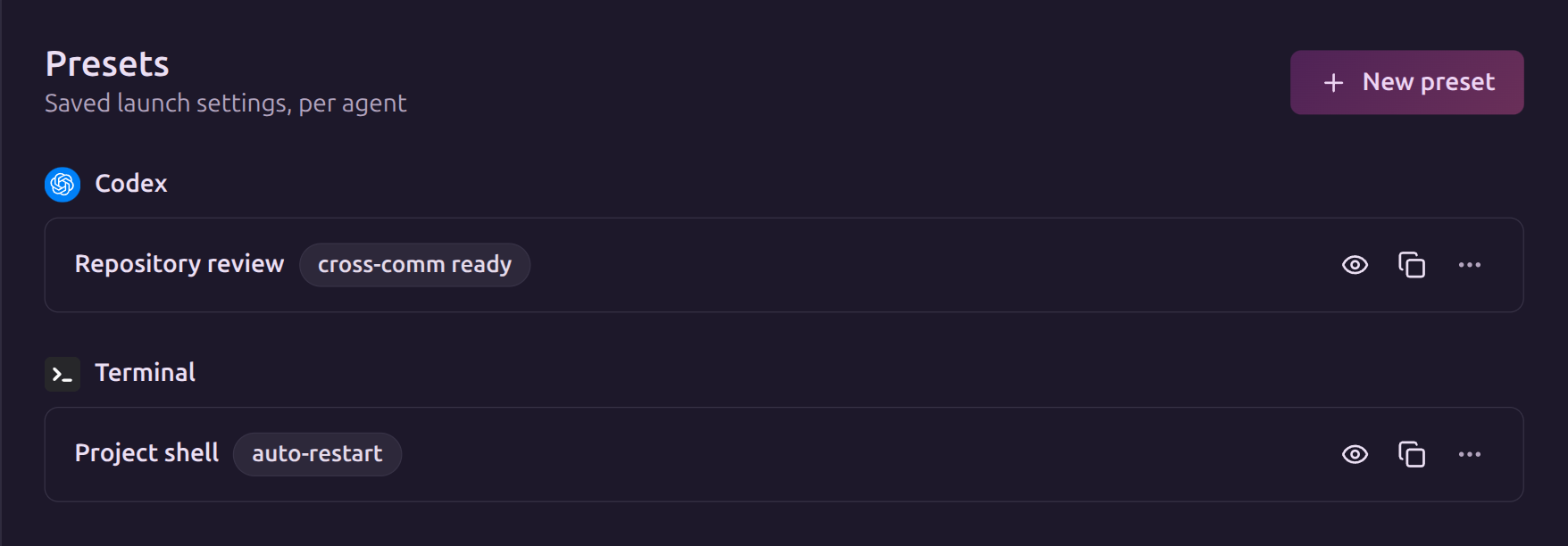
Save your project context, review checklist, and preferred response format as reusable prompts. Combine them into a stack, then use a preset to remember the agent settings, machine, and working directory for your next launch.
Session sharing
Bring someone into the session.
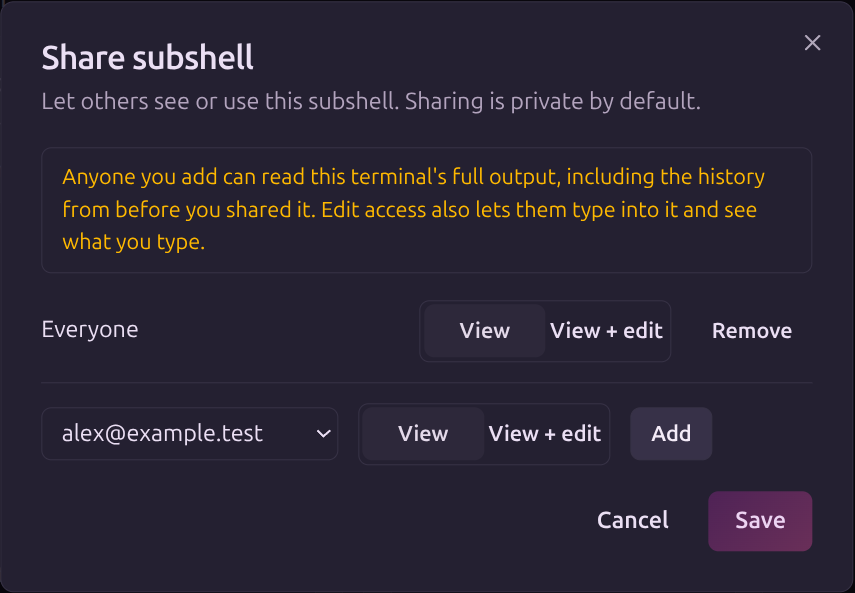
Let a teammate follow the live terminal and its history, or grant edit access so they can type into the same session. Sessions are private by default. You choose who gets access from the accounts on your server.
Run on other machines
Your machines. One dashboard.
Run an agent on your workstation, a spare Mac, or a headless Linux machine. Connect each as a node (a machine that runs agents), then choose the machine and project directory when you launch. Follow the output and send input from the same dashboard on your phone or desktop.
Security
Your server. Your access rules.
Run Subshell on your own infrastructure, behind your LAN, VPN, or a configured access gate. Decide who can sign in, see a session, and run agents on your machines.
Read the security model →Choose how people sign in
Use passwords, passkeys, or your OIDC provider. Control account registration and revoke access when someone leaves.
Keep access deliberate
Sessions are private by default, with explicit view and edit permissions. You also choose who can launch agents on your nodes.
Protect connections to your machines
Node connections are encrypted and authenticated even when your server uses HTTP. Commands from your server are signed and bound to the intended machine.
See security changes
An audit log records account changes, enrollment, sharing, and other security actions, including who made them.
Self-hosted & open source
Make yourself at home.
Subshell is free and open source. Run your server on your own infrastructure, keep your session history there, and manage your own accounts. Read the code, adapt it to your workflow, and contribute improvements.
Host it your way
Install the server desktop app, run the CLI, or deploy with Docker or Proxmox. Connect through your LAN or use built-in support for Tailscale, Headscale, NetBird, and Cloudflare Tunnel.
Open code, clear licenses
Server code is licensed under AGPL-3.0-only. Clients, the node daemon, and the rest of the project use Apache-2.0. Your agent's provider account and usage costs remain separate.
© 2026 DisarestaServer code: AGPL-3.0-only · Other components: Apache-2.0